Overview

How I Rice My Window for Productivity

0 view


  • “Convinient, Instant, Fast!”
  • “I want to conclude my setup!”

These are the reasons the article exists. Note: My config theme is here


My rules to optimize my productivity

  • Instant: No animation = No delay.
  • Shortcut: More shortcuts I have, The faster I am.
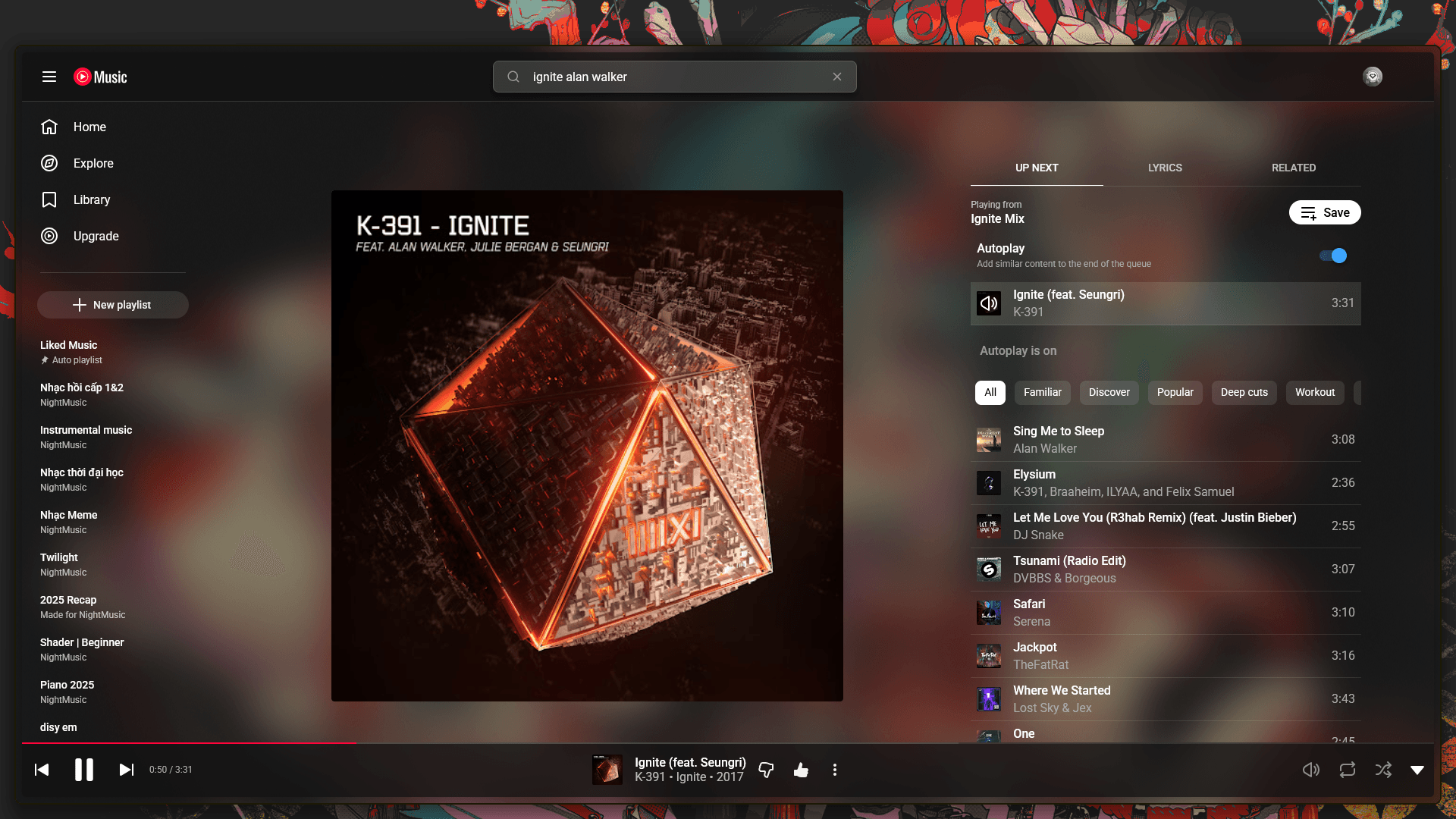

  • Mica: I can see what happening behind the window.
  • Clean: I don’t want to see any unnecessary things.

My utils

Core:

  • Zen Browser: The Browser which having a lot of shortcuts.
  • Zed Editor: The Editor which supports Mica and Vim.
  • GlazeWM: The Titling Window Manager which doing instantly.
  • Flow Launcher: The fast and powerful replacement of Start Menu.

Decoration:


My tips

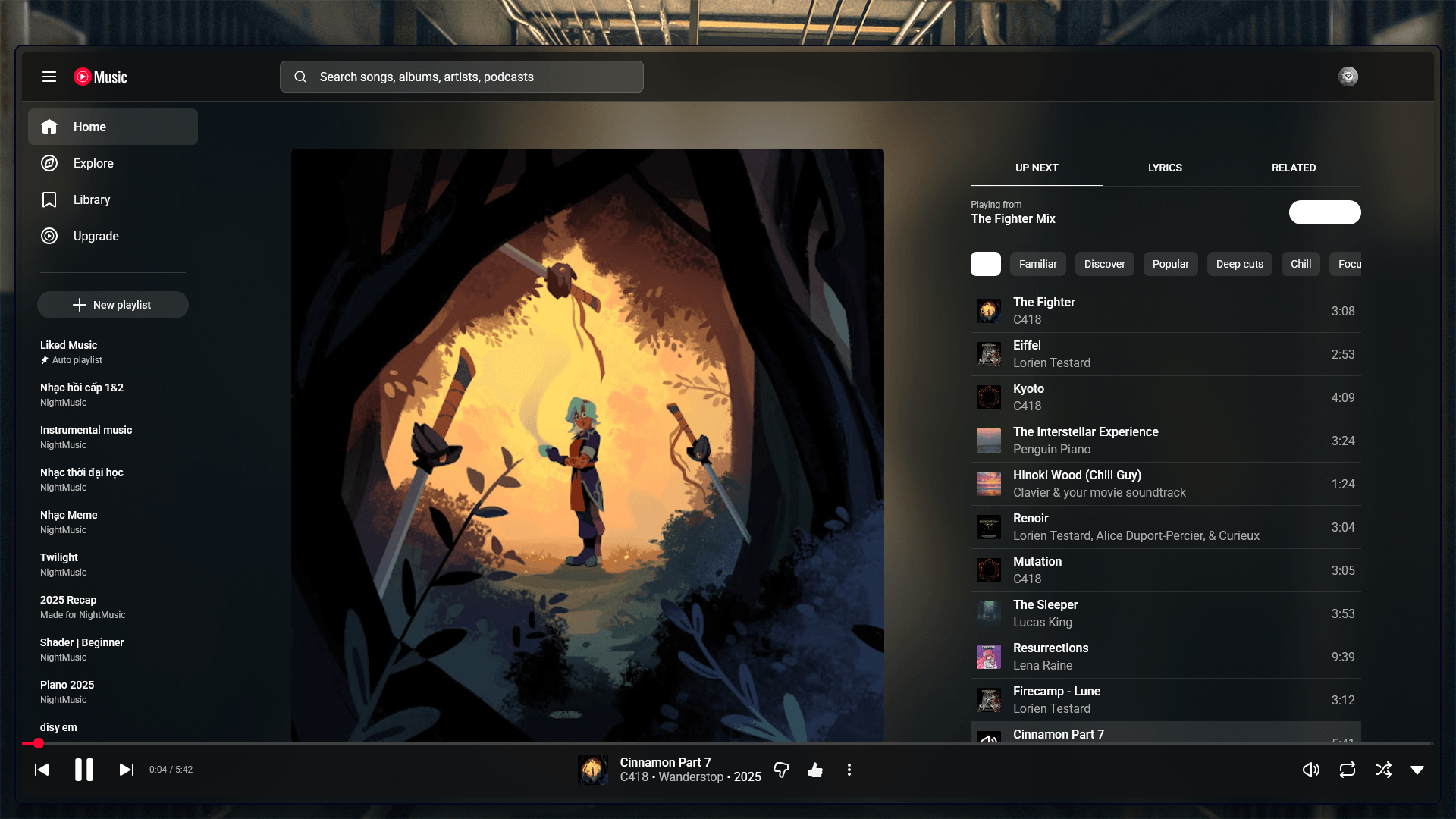
My Zen Browser

My Zen Browser
My Zen Browser

I hide sidebars and toolbars, I only use shortcuts to navigate the web and open the extensions.

  • Alt + Q: Search tab bar
  • Cmd + T: Create new tab or extension
  • Cmd + Shift + T: Reopen closed tab
  • Cmd + W: Close current window
  • Cmd + L: Change the current link
  • Cmd + Shift + D: Pin the current tab
  • Cmd + S: Show the sidebar
  • Cmd + Shift + S: Toggle the sidebar
  • Cmd + Alt + H or V: Split horizontally or vertically
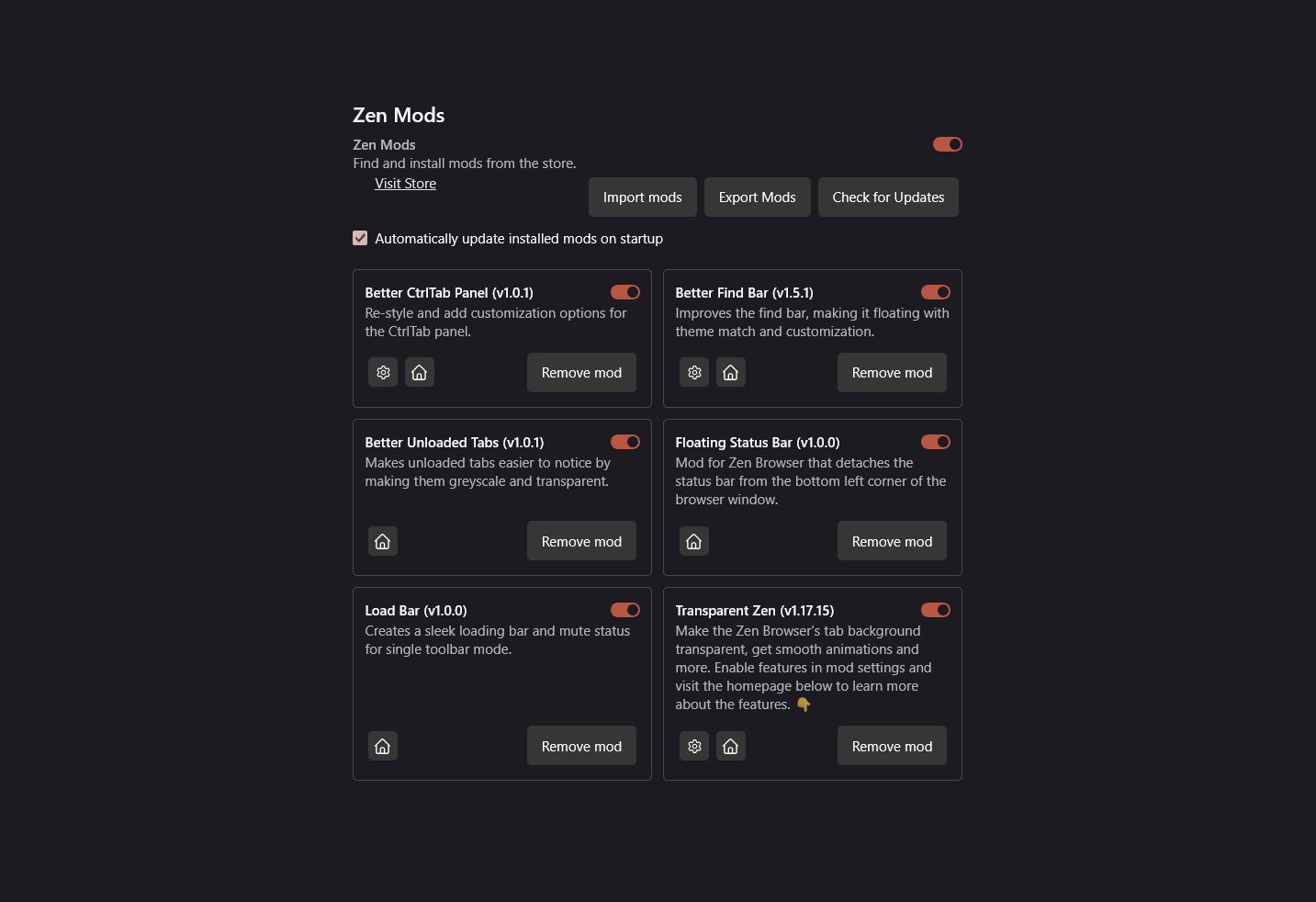
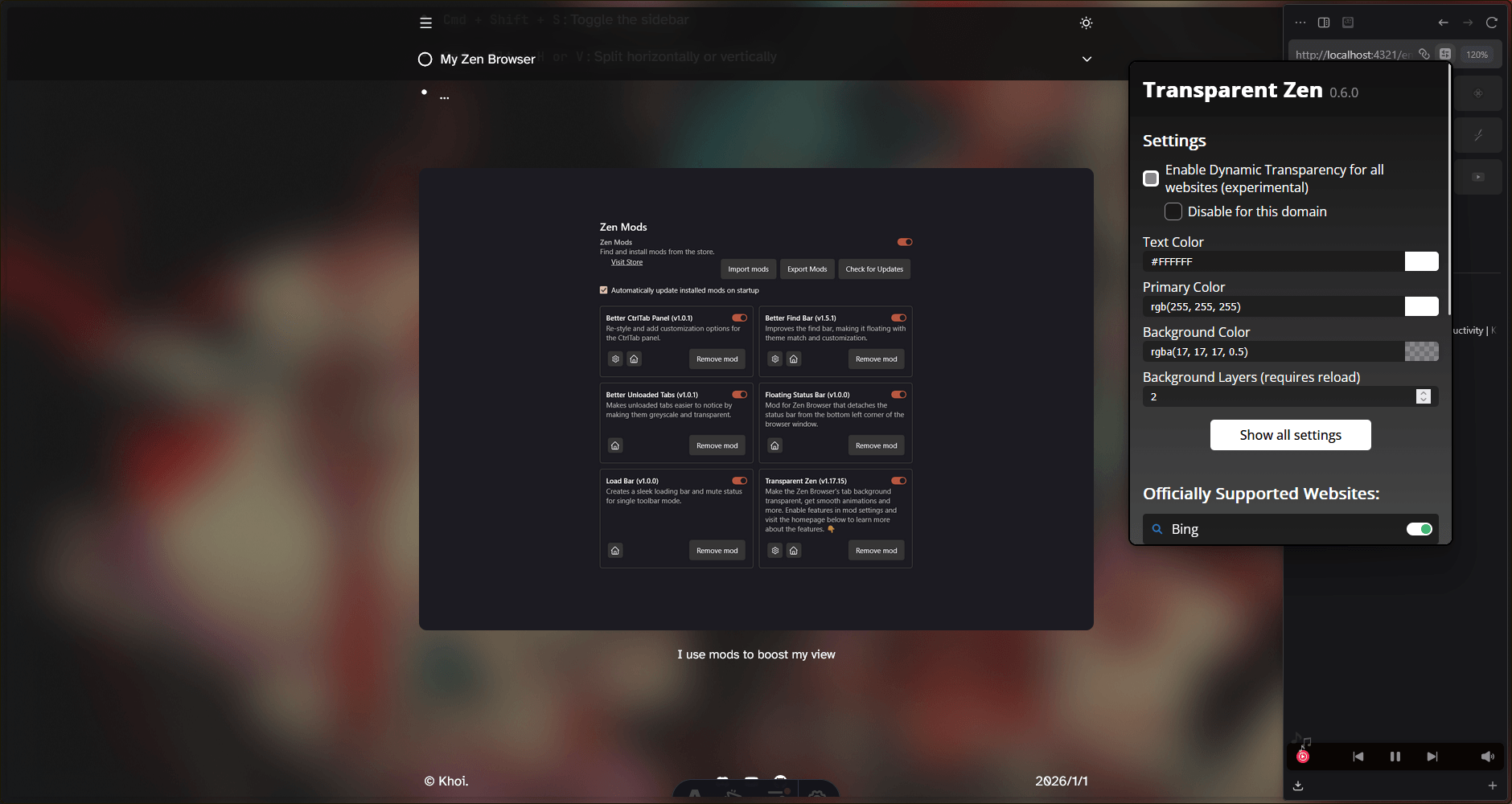
My settings
My settings

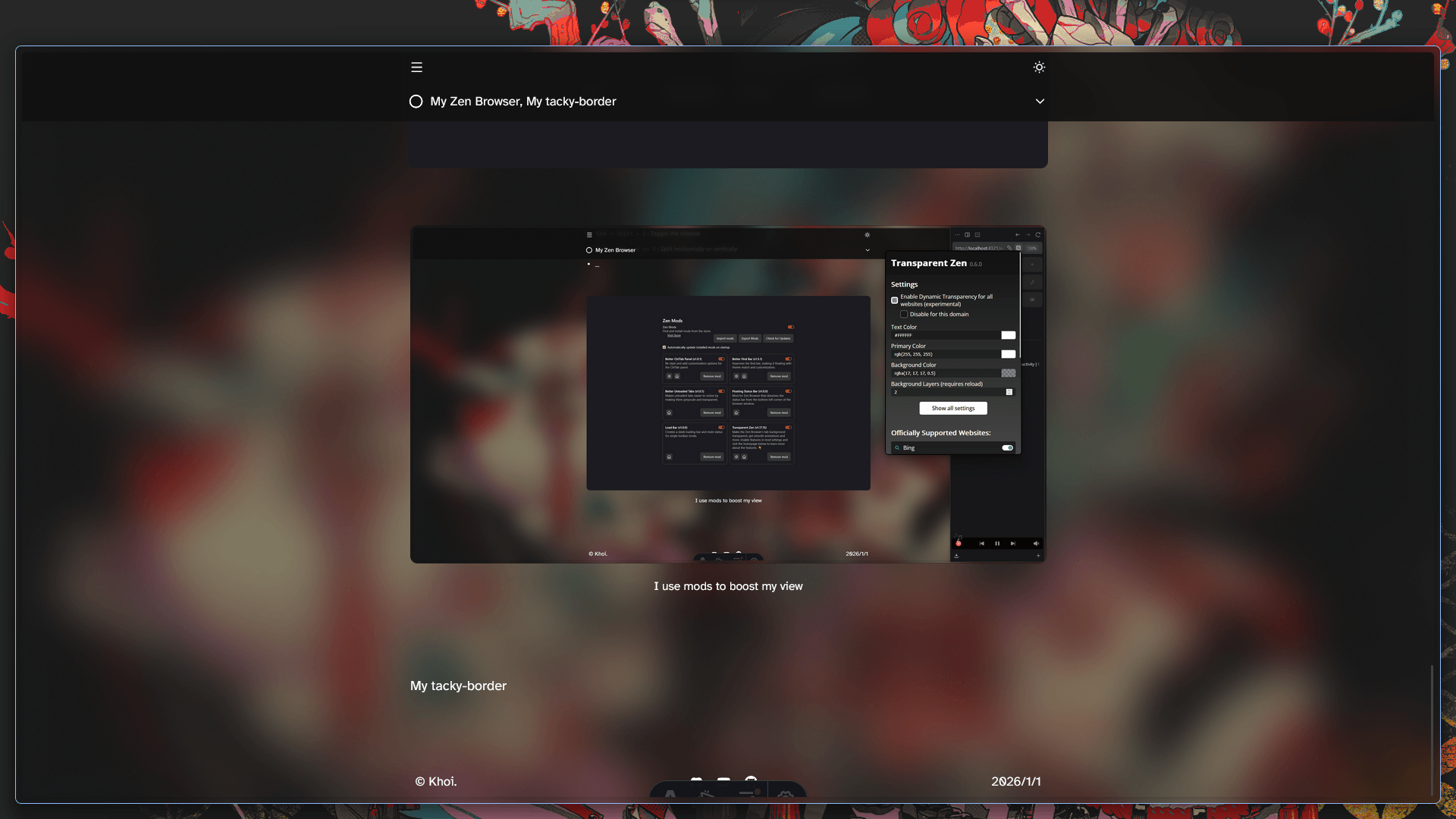
I use mods to boost my view

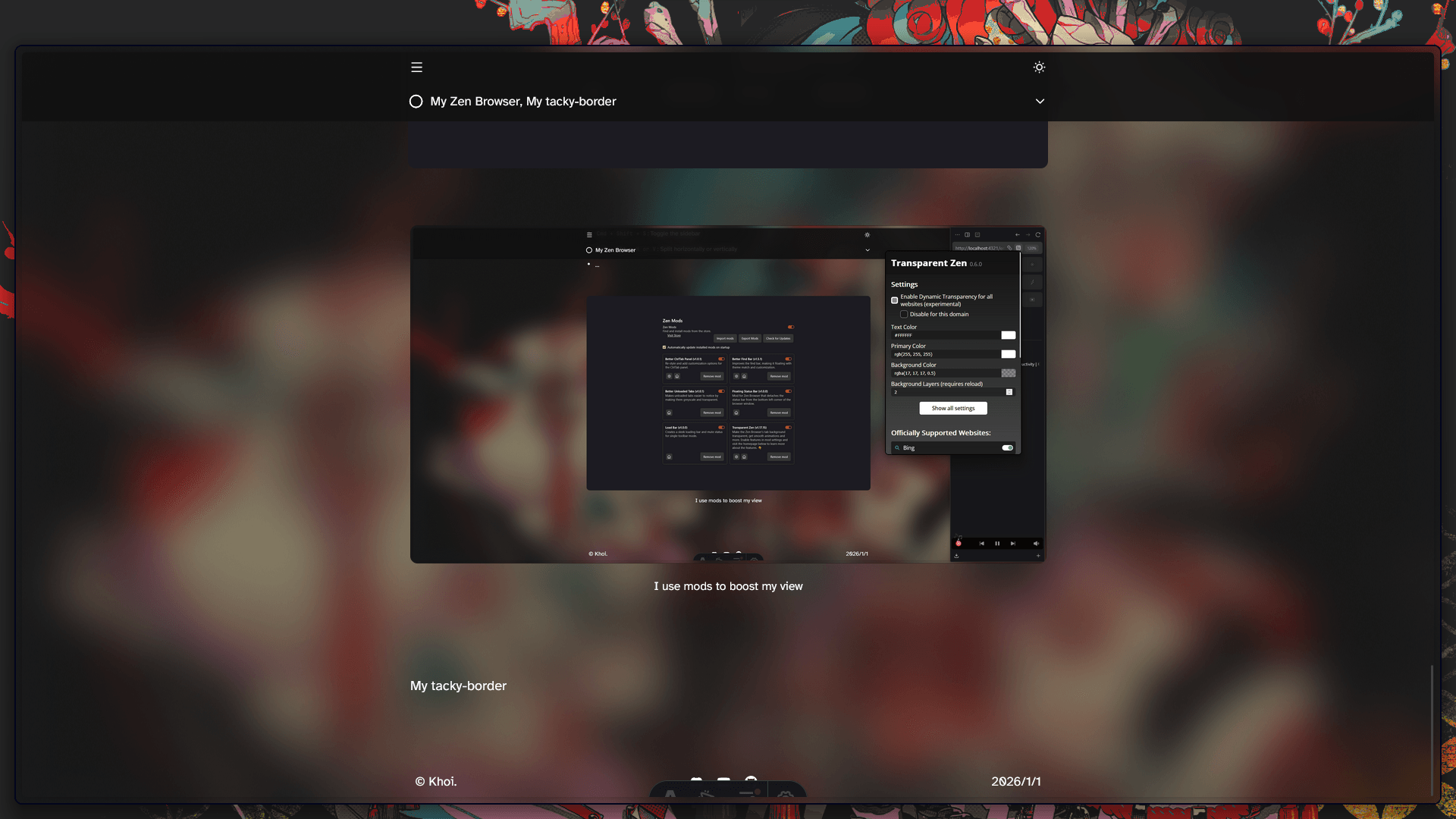
My tacky-border

Before tacky-border
Before tacky-border

After tacky-border
After tacky-border

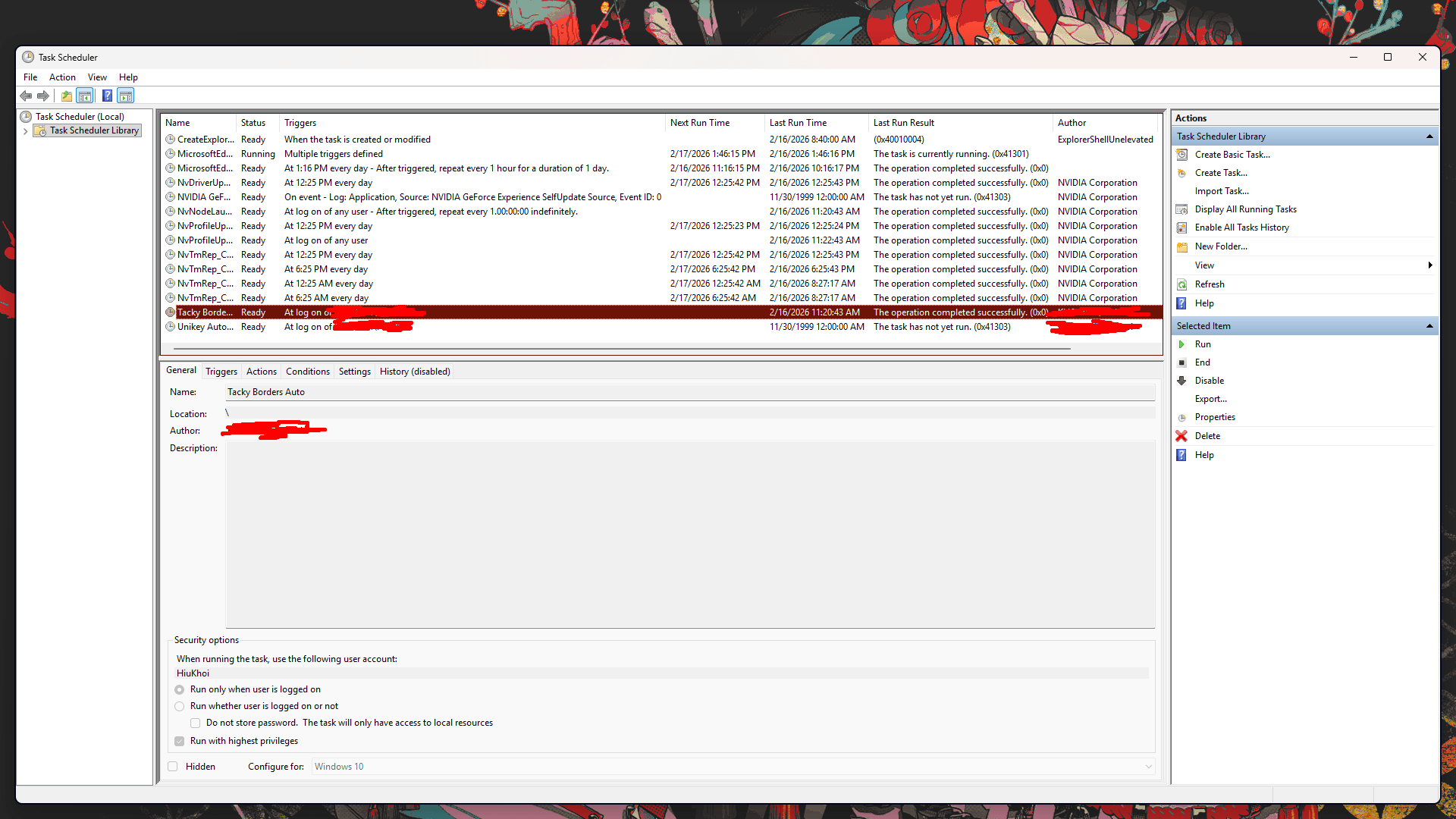
I use Task Scheduler to startup tacky-border as administrator

*Some applications like Discord, Zed Editor, Exploders, etc. need rights to access the border.

Here is my config to change the border color:

active_color:
colors: ["accent", "accent"]
direction: 45deg
inactive_color:
colors: ["#404040", "#404040"]
direction:
start: [0.0, 1.0]
end: [1.0, 0.0]

Here is my config to handle window rules:

- match: Process
name: "Discord"
strategy: Equals
enabled: True
follow_native_border: False
- match: Process
name: "Zen"
strategy: Equals
enabled: true
follow_native_border: false
- match: Title
name: "Task Manager"
strategy: Contains
enabled: True
follow_native_border: False
- match: Process
name: "Zed"
strategy: Equals
enabled: True
follow_native_border: False
- match: Process
name: "GlazeWM"
strategy: Equals
enabled: True
- match: Process
name: "GlazeWM Watcher"
strategy: Equals
enabled: True

Result

I use the tacky-border to make my accent border visible.

My script to change wallpaper quickly

Change Wallpaper
Change Wallpaper

It takes two days to make the script by asking the Gemini. Painful!

Here is the script can do:

  • Cmd + ': Change wallpaper
  • Cmd + Shift + ': Change previous wallpaper
  • Cmd + Shift + S Change wallpaper with randomness
  • Cmd + Shift + D Change wallpaper with dual monitor
  • Sync the focus’s border color to the accent color
  • Sync the text selection & text indicator to the accent color

Bug

It still has the bug that text indicator can’t turn off by using Win + Cmd + Alt + I but you can manually turn it off.

The accent color

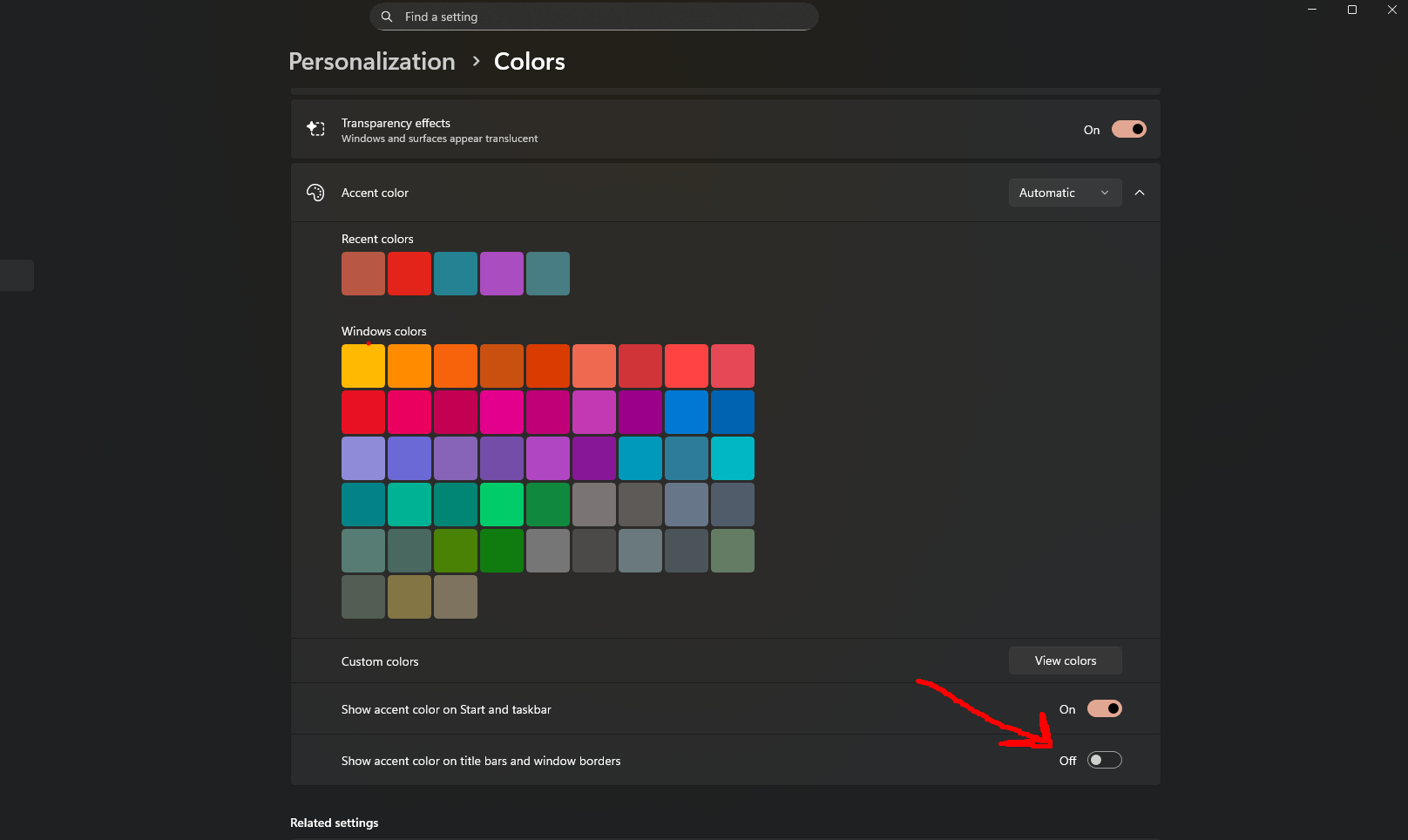
Here is my window’s setting

Don't turn this one on, it can make Zen Browser looks ugly

Done

Here is all my settings to boost productivity. Thanks for reading ^^!